Art for a part
MembersBetaSee what it makes
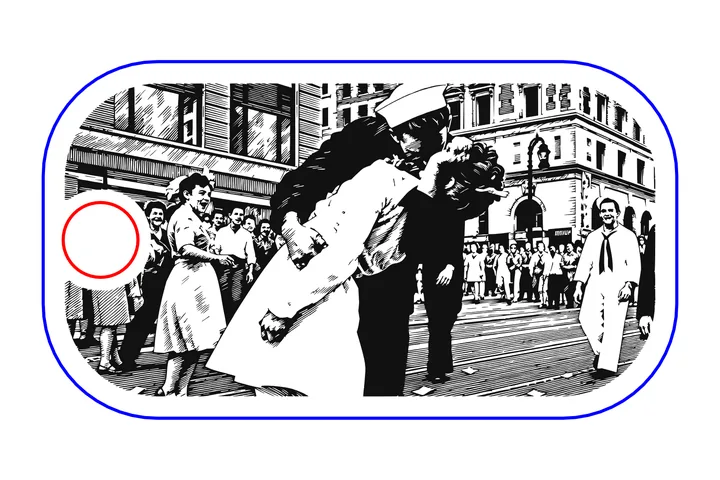
- Parts from the library, or your ownCoins, tags, cards, lighters, coasters, rails, or an outline you upload
- Art drawn for that shapePick a design, describe one, or fit your own picture
- Clear of edges, holes and slotsThe art stays inside the part and off its keep-outs
- SVG, DXF or PNG at true sizeThe file is the part's own size, in mm or inches
Art for a part comes with the membership
$30 a month or $330 a year. Cancel anytime.
- 14 credits a month for files. Download any of the 1000+ designs in the library. Credits roll over.
- 60 AI redraws a month for the tools. Shared by Art for a part and Kinetic Convert, up to 15 a day.
- Every members tool. Art for a part, Kinetic Convert, Fill, Scatter, Pattern and Cost.
- A personal and commercial license. Sell what you make.
Your part
Drop your part file here, or choose one.
Two sides is for a part you engrave on both faces. You engrave the front, turn the part over, then engrave the back. Either turn gives the same finished part. Pick the way you will turn it in your machine. Press Back in the preview to see how the part sits.
How close the art may come to the edge of the part: the pink band in the preview. It starts at what suits the part, and is at most a quarter of its shorter side. The art also stays 0.8 mm off holes and slots.
Firearms and accessories: measure your part before you engrave. These stencils come from published sizes and photos, not from your part, and makes and generations differ. Type your measured length, print the paper test and try it on scrap first. Kinetic Carving is not responsible for misalignment or for damage to your firearm or its parts.
Fiber lens field and paper test
The paper test is a one-page PDF with the outline at true size and a 50 mm or 2 in ruler, so you can lay the part on it before you burn.
The art
Adding art around your picture
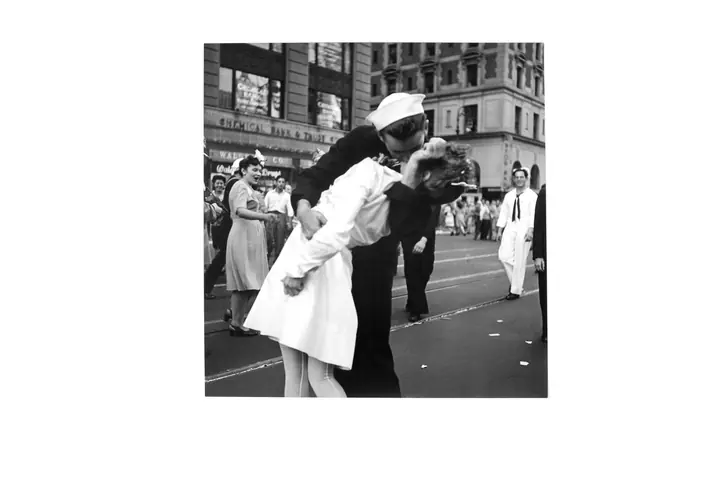
Your picture stays where you placed it. The art is drawn around it, never over it. Pick a design or describe one, then press Draw art around my picture.
Solid background paints a black ground around your picture, so its dark parts can merge into it. For a picture with dark areas, choose Line art under More choices.
No illegal, sexual, hateful or harassing requests. Misusing the AI will get your account banned.
No illegal, sexual, hateful or harassing requests. Misusing the AI will get your account banned.
Works best: an SVG, which goes in line for line, or a black and white picture on a white background. Gray shading and light colors do not trace.
No illegal, sexual, hateful or harassing requests. Misusing the AI will get your account banned.
More choices: look, drawing, how full
You asked for a dark background. Line art draws dark lines on an open background; for light art on a solid dark background, choose Solid background.
More options: how full, line weight, subject size, style pictures
Two sides: one drawing makes the front file and the back file. It is still one use.
Drawing... 20 to 60 seconds
Your files
Not what you wanted? Change one thing and draw again:
To move it, drag it on the preview. It stops at the edge.
To move or resize your picture, place it again.
Switching between the two backs is not a use.
Drawing the back... 20 to 60 seconds
Want art around it?
The AI draws in the space left, never over your picture. Set the size and spot first: once the art is drawn, they stay put. Each draw is one use.
Draw again costs another use. Downloading again never does.
.
Measure your part and check the size before you cut: type your measured length in step 1 and print the paper test. You are responsible for the fit; Kinetic Carving is not responsible for misaligned or damaged work.
Check before you cut
The SVG carries the art on one Cut layer, the part on PART_OUTLINE and the areas the art keeps clear on Keep_out. The DXF carries the art on CUT, the holes inside the art on HOLES, the part on PART_OUTLINE and the areas the art keeps clear on KEEP_OUT. Keep HOLES with CUT. The PNG is the picture itself (the AI's, or yours as placed), the art area at the part's size, at 300 dpi or more when the picture holds more (less only for a part over 677 mm), on a transparent ground. The AI's art in it is not traced, and Remove specks does not change it.
Earlier results, kept in this browser
Kept in this browser only, newest first, up to ten. Reopening one is never counted as a use. Clearing site data removes them.